 Orbital Intelligence
iOS

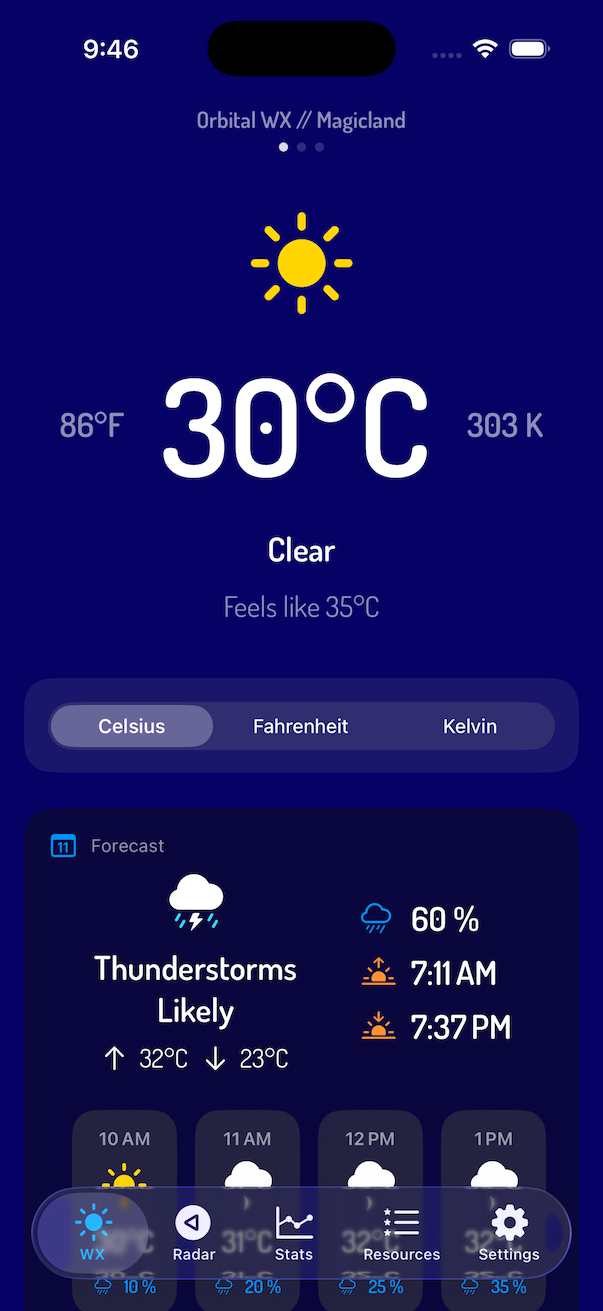
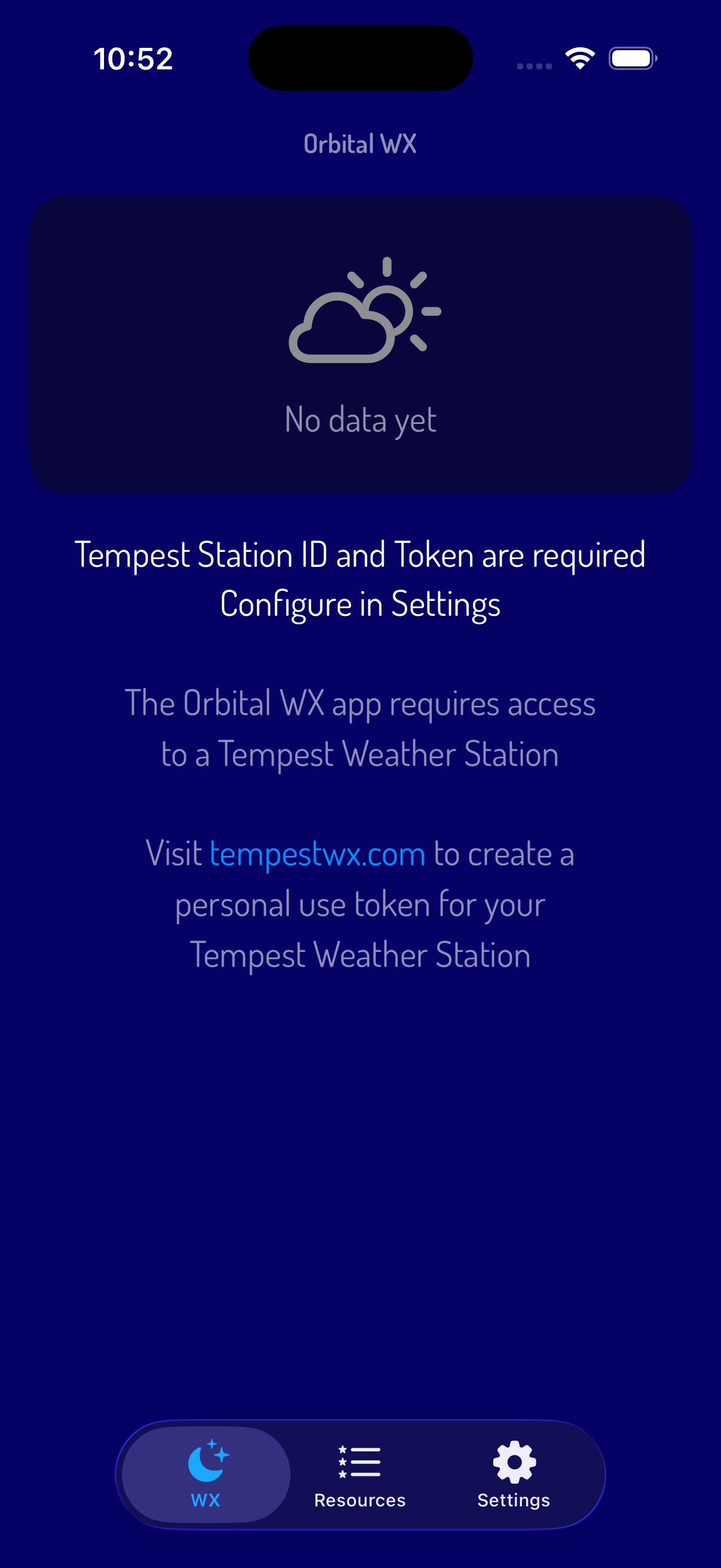
Orbital WX is our app for monitoring data from a Tempest Weather Station — current conditions, lightning, and historical station statistics, plus NWS alerts, weather radar, and NHC tropical storm + hurricane tracks.
We built Orbital WX because we run a station ourselves, and the app experience we wanted simply didn't exist. So we set out to build it.
Available on iOS

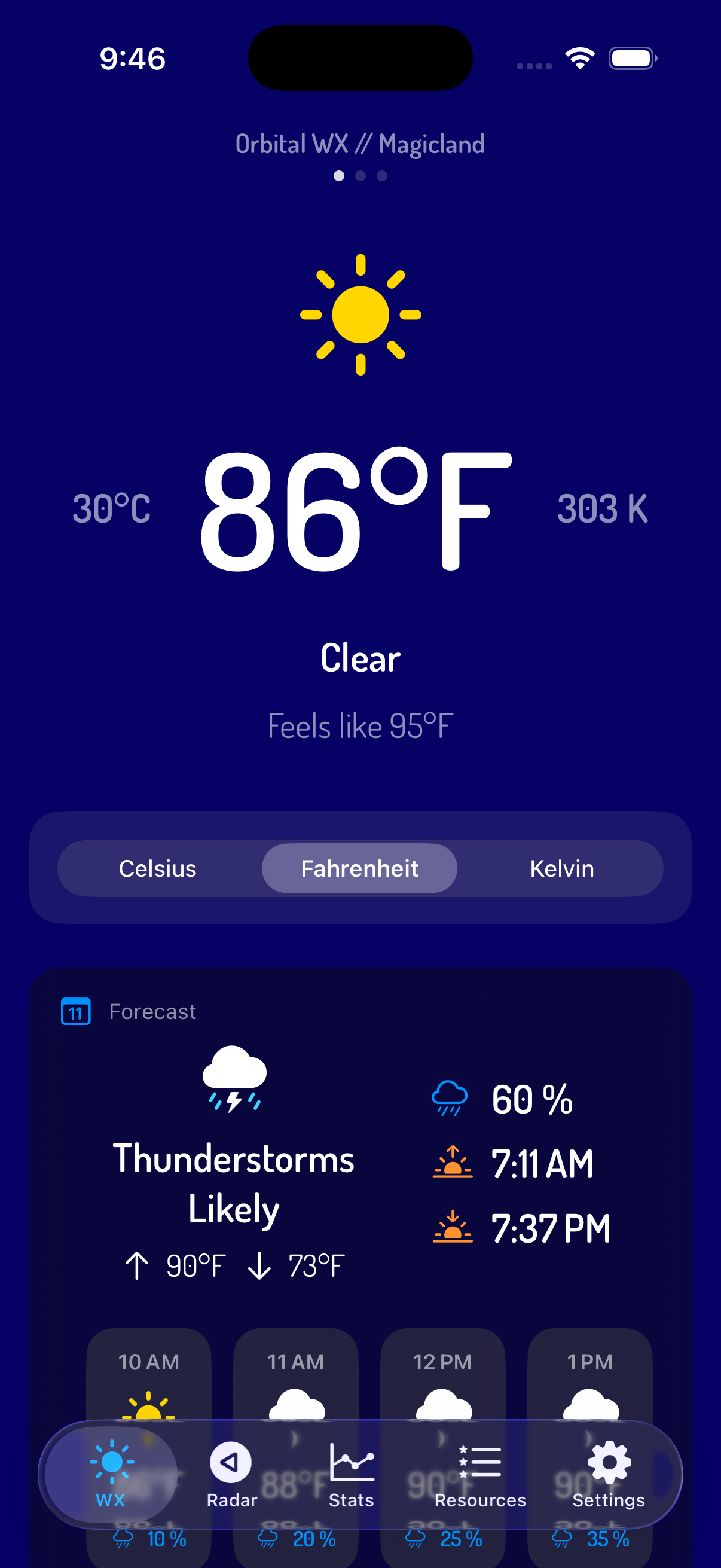
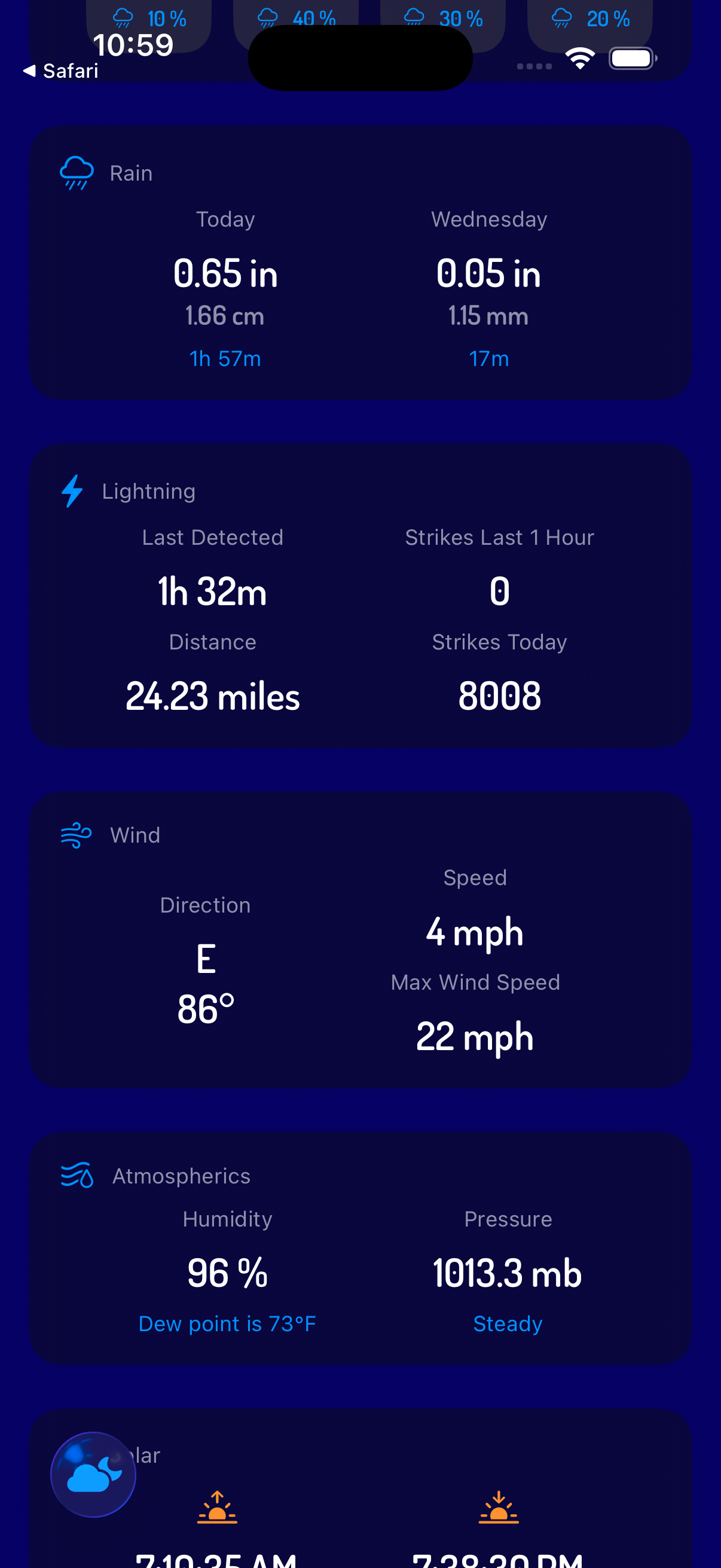
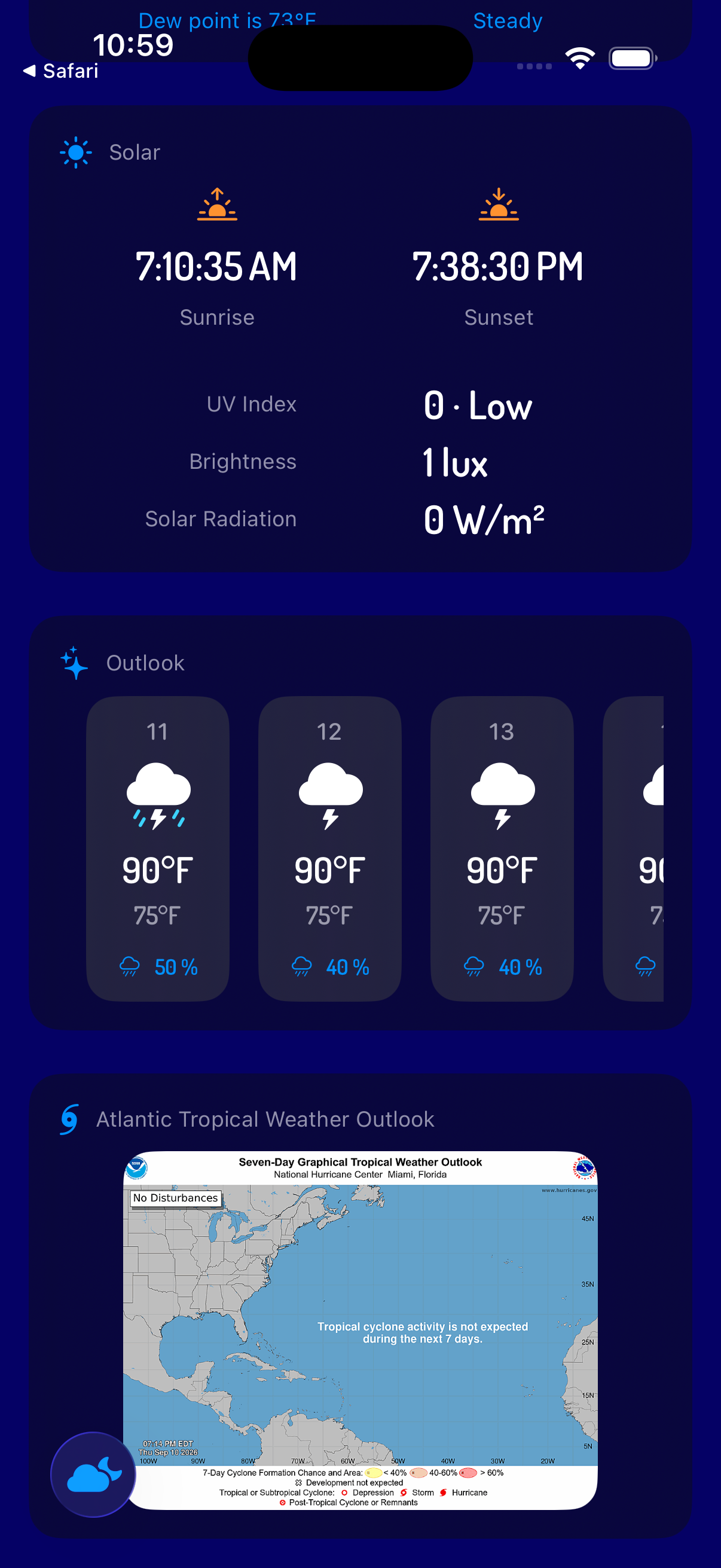
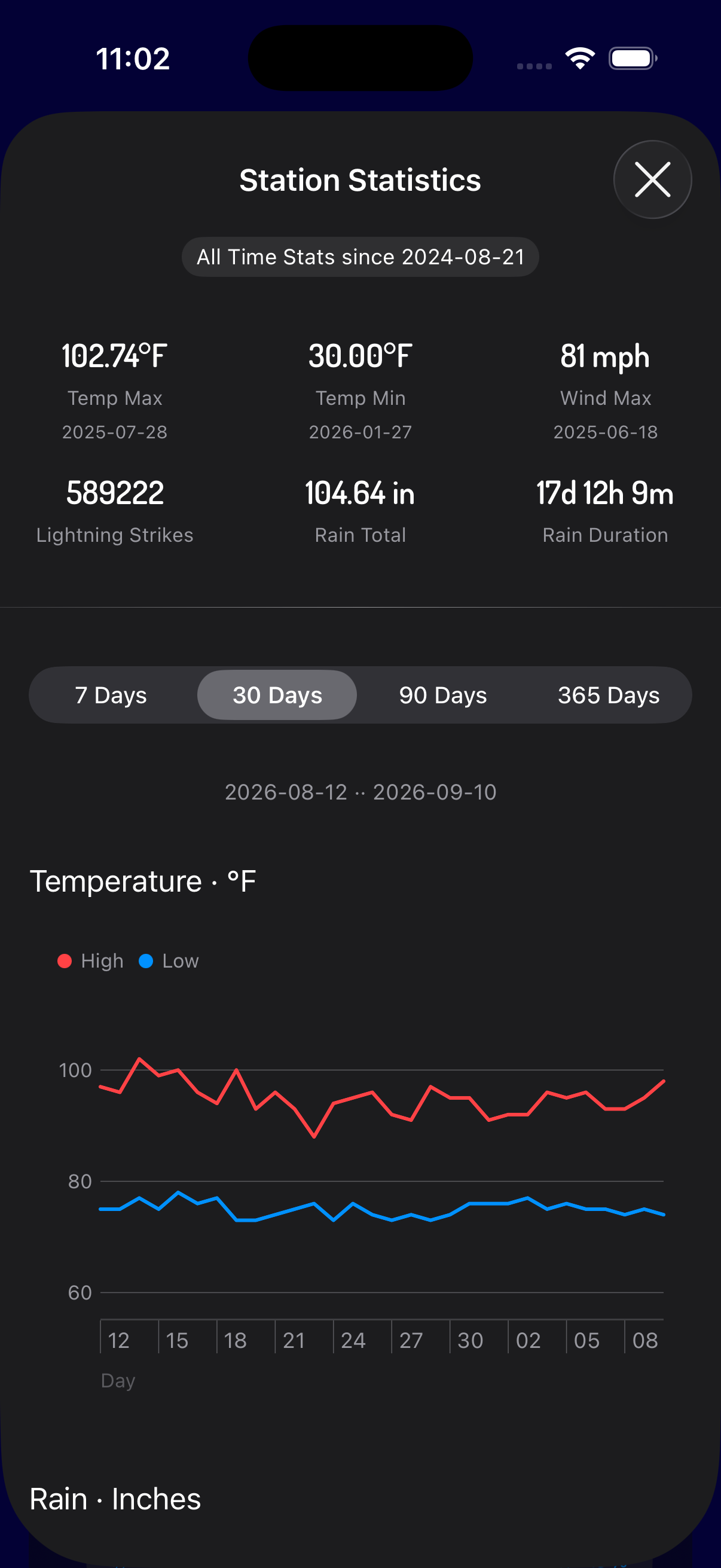
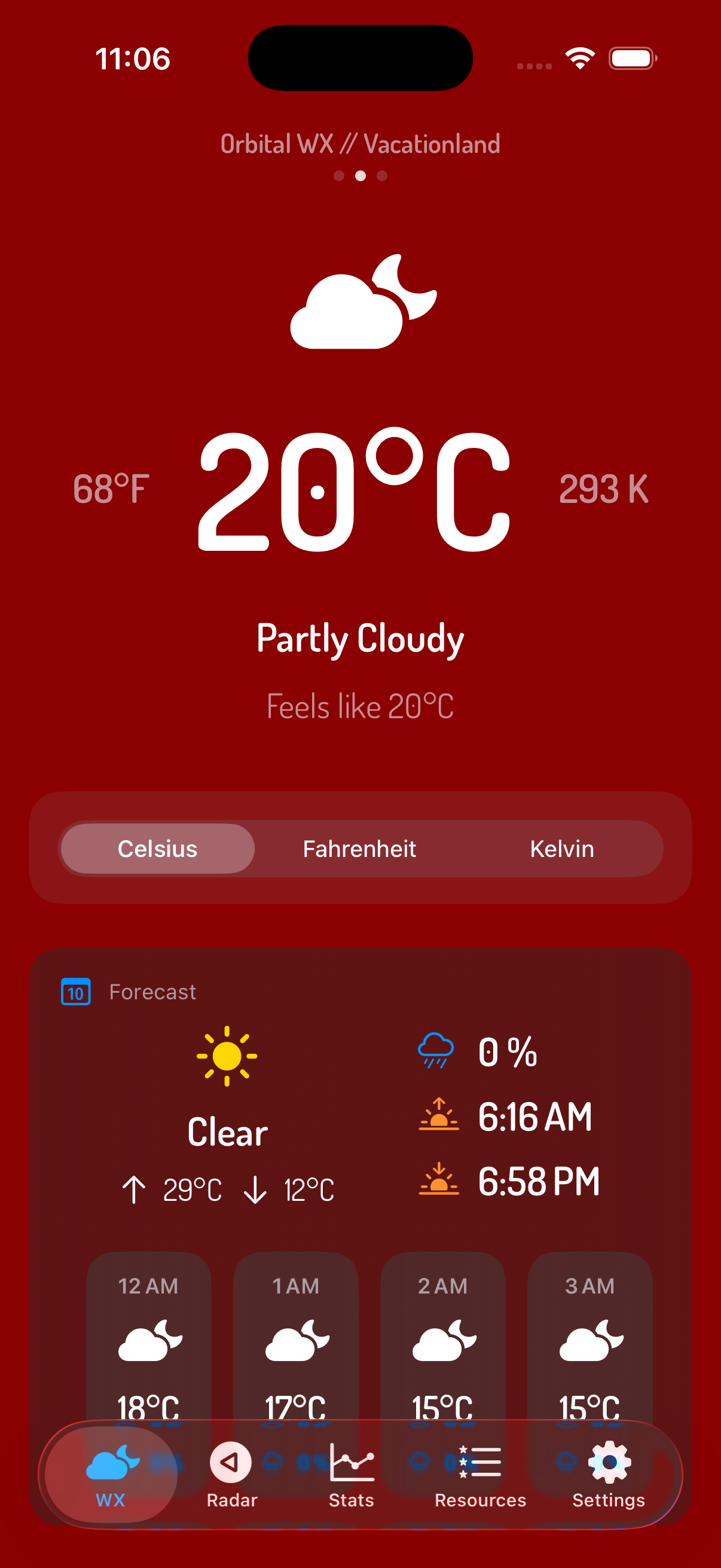
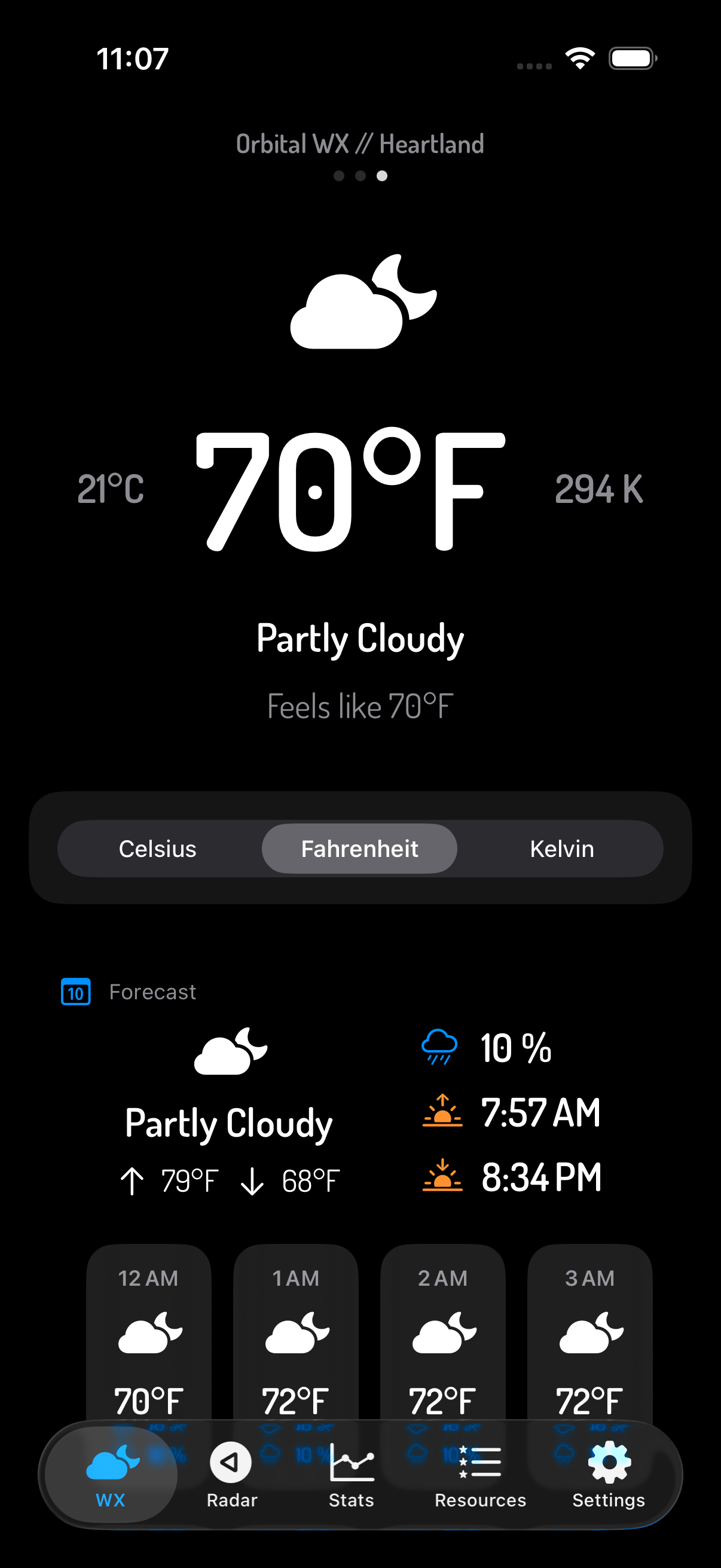
Comprehensive and beautifully organized data from your Tempest weather station, including current conditions, daily and hourly forecasts, rain, lightning, wind, humidity, air pressure, sunrise, sunset, UV, brightness, and solar radiation metrics.
Stay informed of severe weather alerts from the National Weather Service.
Support for as many Tempest weather stations you own or have access to.
Reorder or rename stations as desired.
Station credentials are securly stored in your device's Keychain.
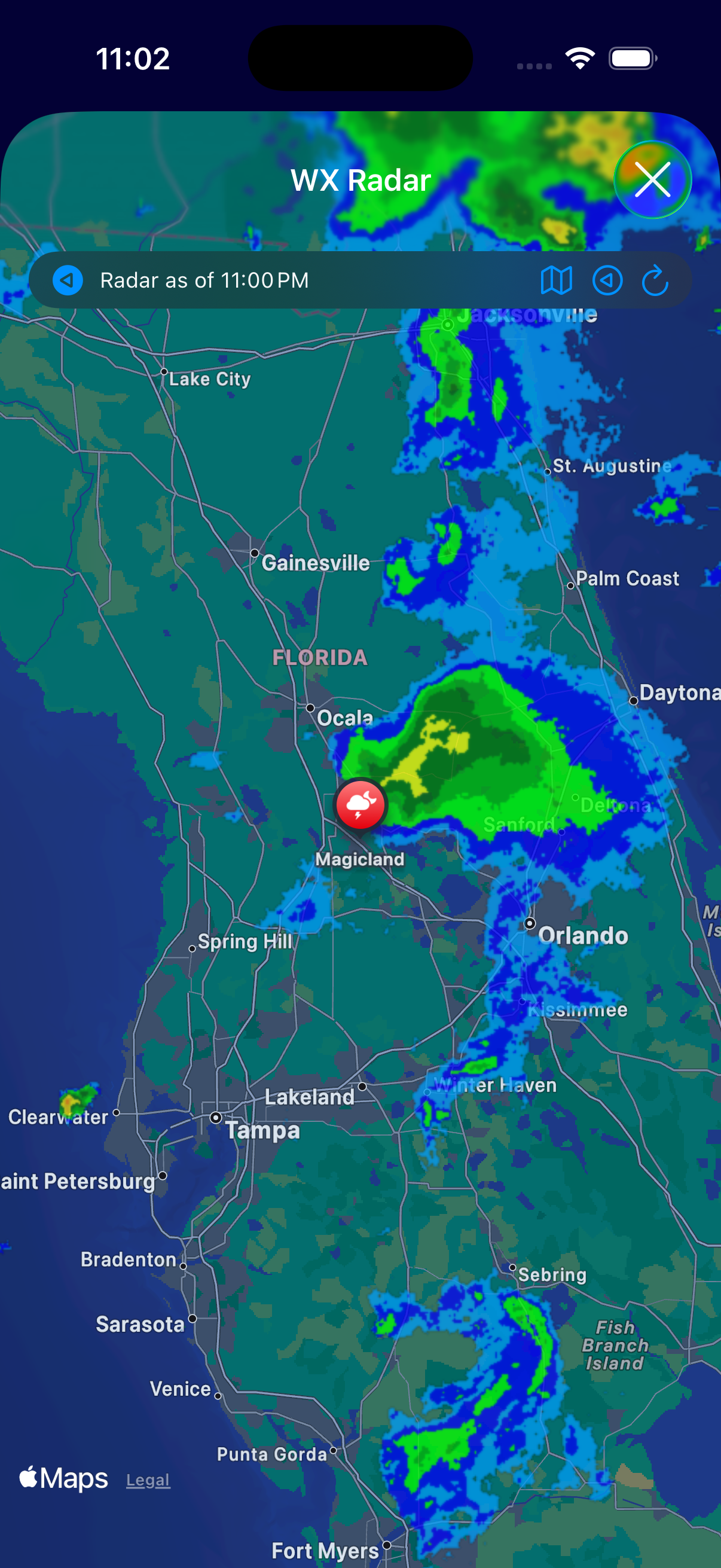
Live weather radar for the area around the station's location. Plenty of options to customize the map and radar image themes.
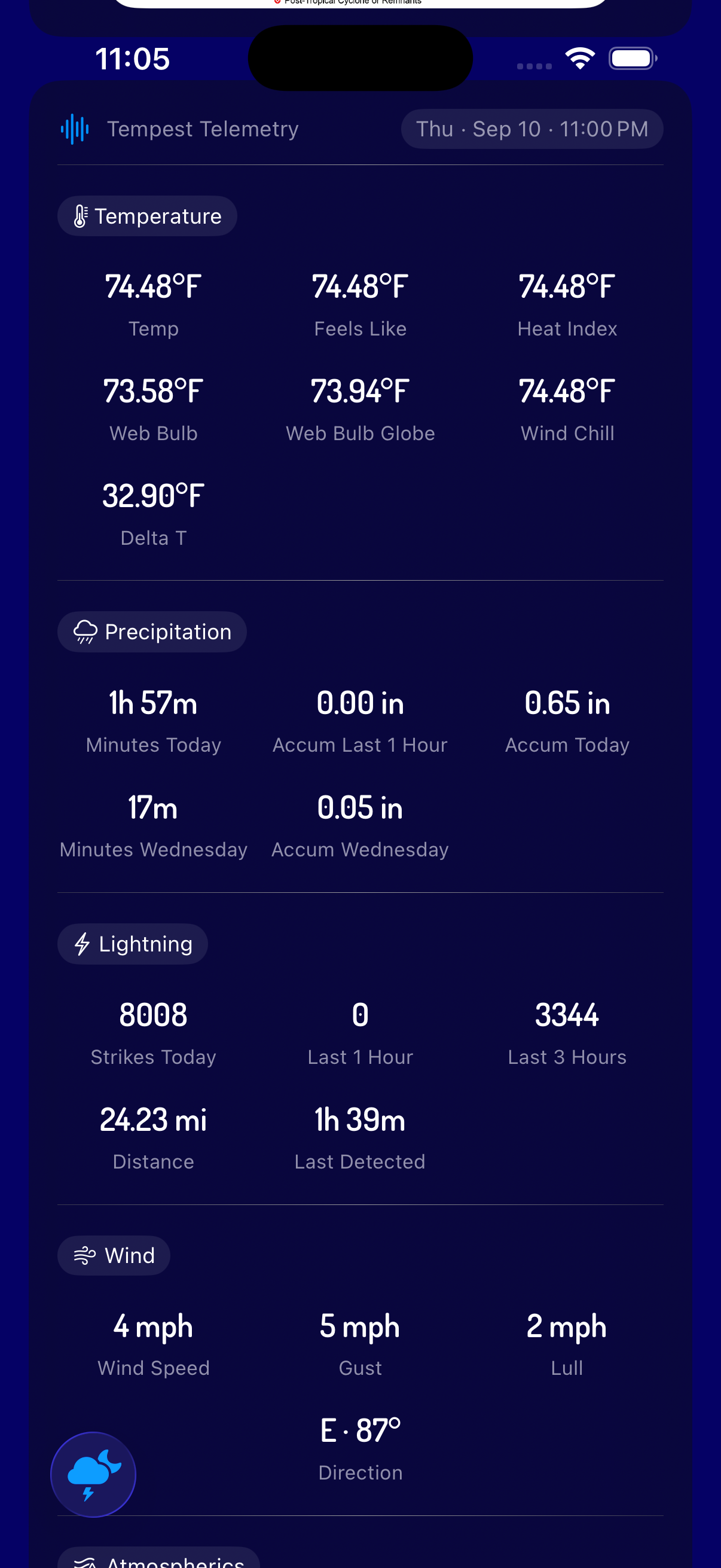
Live lightning metrics including last strike time, last strike distance, strikes for the last hour and strikes for the day.
Live tropical storm and hurricane tracking from the U.S. National Hurricane Center (NHC) displayed on the Radar map.
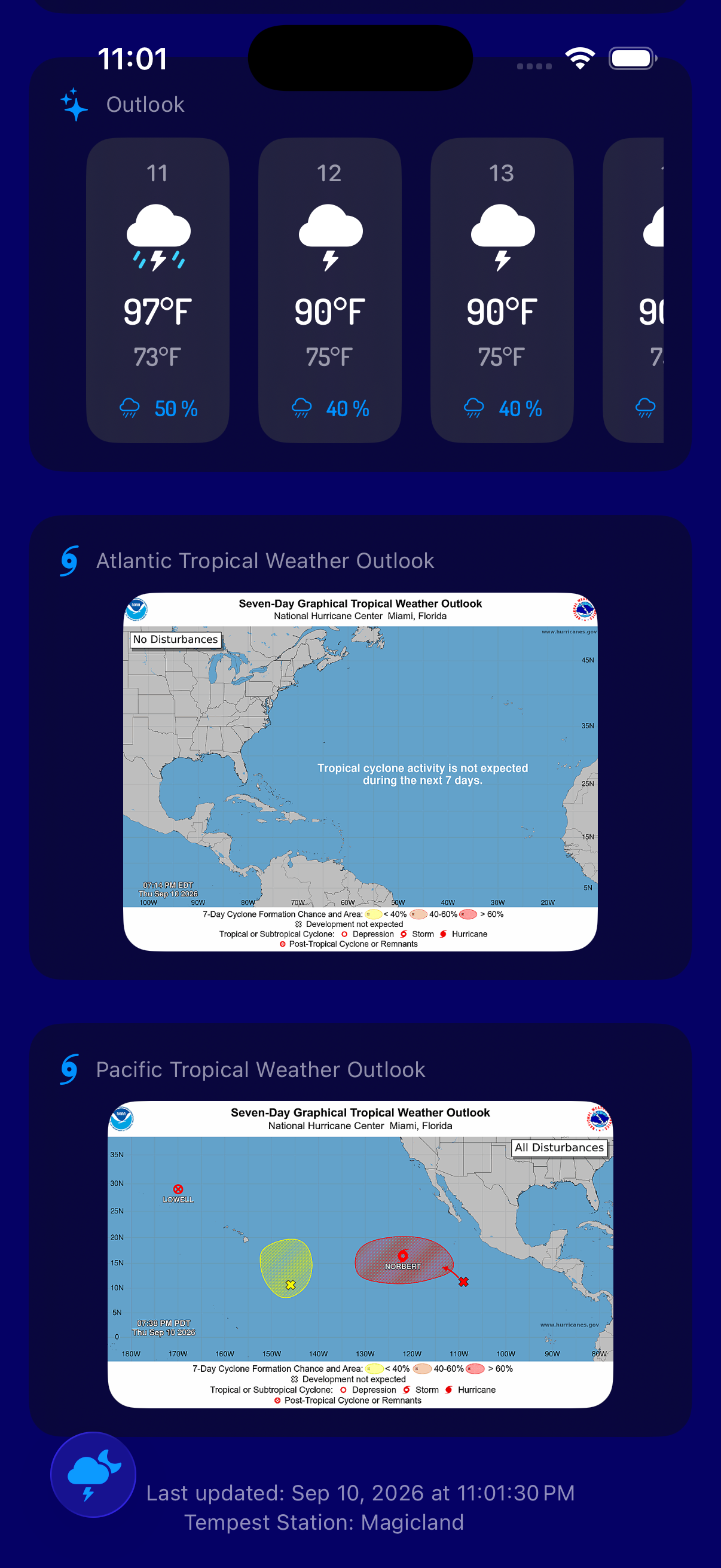
NHC tropical outlooks for the Atlantic and the Pacific available on the dashboard.
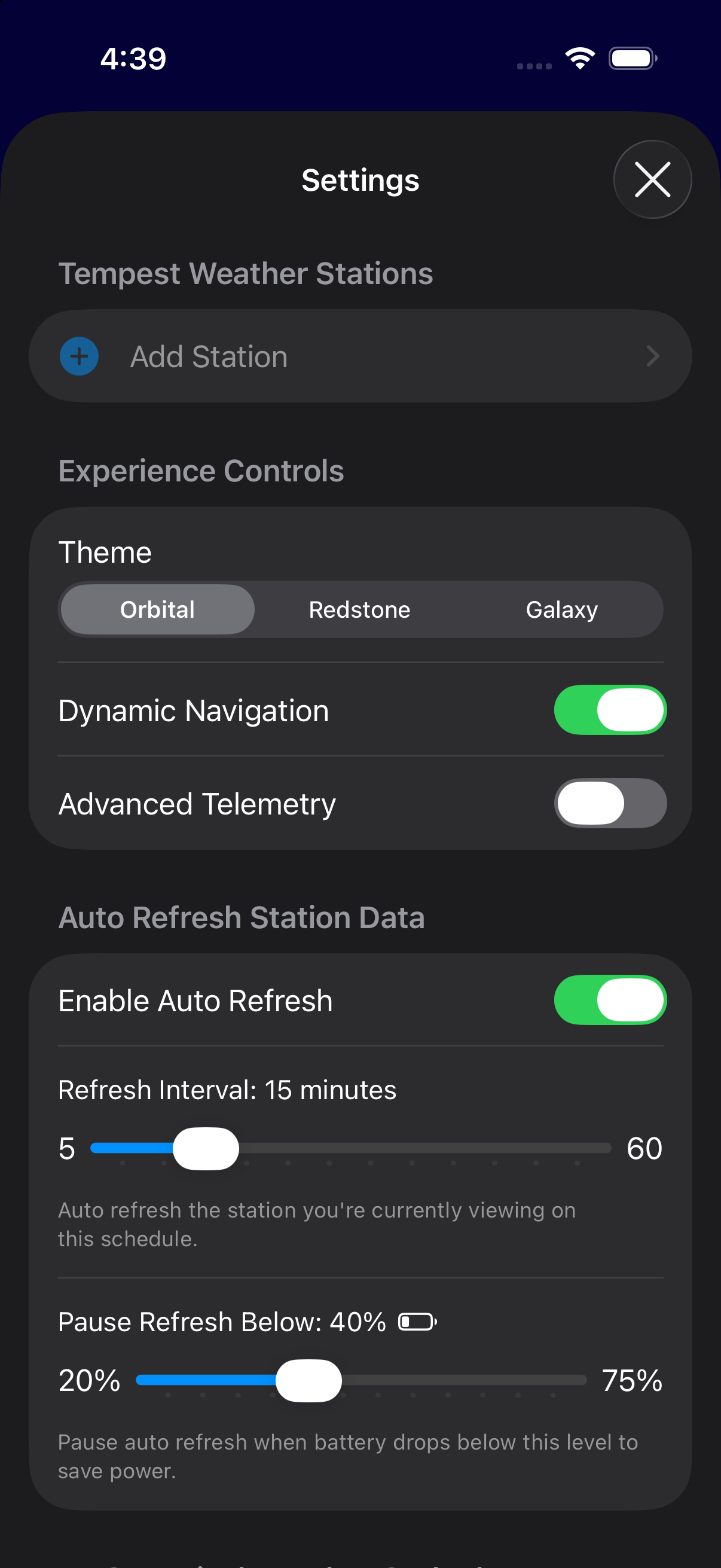
Brilliant themes: Orbital (a beautiful deep blue), Redstone (a bold red), and Galaxy (dark mode done right).
Dynamic Navigation: maximizes app content.
Advanced Telemetry: dig deep into the Tempest station's sensors.
Auto Refresh: control how often station data is refreshed, and when to save battery life.
Tropical Weather: show/hide NHC tropical weather outlook graphics.
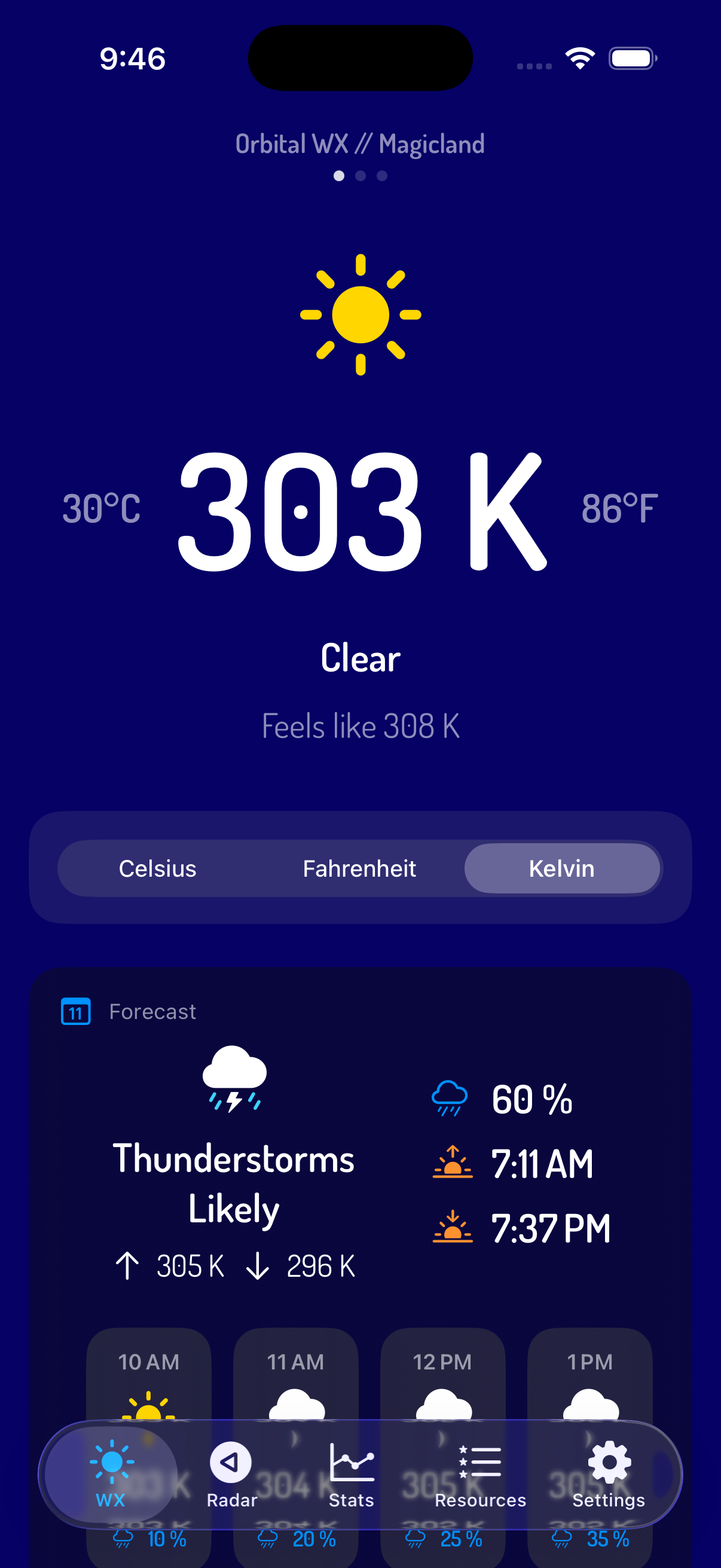
Choose Fahrenheit, Celsius, or Kelvin as your primary temperature scale. The other two temperatures are displayed unobtrusively to provide a mapping between the scales -- because we wanted to know.
When Fahrenheit is selected, other metrics are displayed in Imperial measurements -- inches for rain amount, miles for distance, mph for wind speed.
When Celsius or Kelvin, is selected, other metrics are displayed in Metric measurements -- millimeters for rain amount, kilometers for distance, km/h for wind speed.